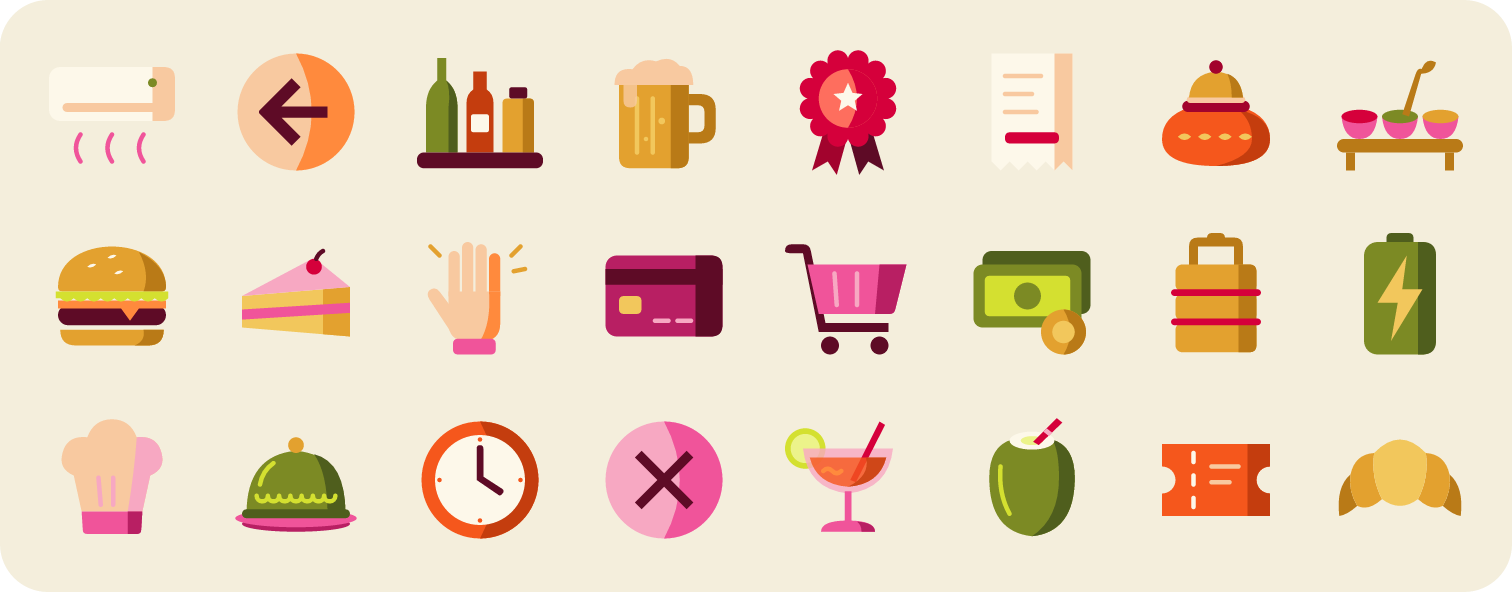
 Restaurant Folk Icons
The first pass came out as illustrations, with sparkles, shadows and tilt. I capped each icon at 12 shapes and two tones so it reads as an icon.
Claude skill | AI workflow | Design systems
Icon Studio: A Skill That Builds Icon Libraries
I built a Claude skill that turns a style and an icon list into a consistent icon set, then used it to make three libraries in three very different styles.
“By the tenth icon, the family no longer looks like one person drew it.”
The short version
Icons never match, and AI makes it worse.
Packs, plugins and stock sites each draw differently, and AI invents a new stroke and size with every icon.
The problem ↓Make the rules the product.
A Claude skill locks every style decision in one rules file and checks each icon against it before it ships.
The solution ↓Three styles to stress-test it.
Folk, ink and glass: 282 icons, each style pushing me to fix the system, not just the icons.
The process ↓One skill, as many libraries as you like.
Only the rules file changes between sets. It's open source, with install steps and all three sets as examples.
The outcome ↓01 · Problem
Designers need icons that match.
Almost nothing on offer does.
A designer pulls icons from many places: packs, plugins, stock sites, one-off downloads. Put together, they never match: different strokes, different detail, different sizes. Only a few open-source libraries get this right, and they rarely fit the style of your own product.
And AI doesn't fix it
Ask an AI for “icons in this style” and it hallucinates: every icon invents its own stroke, detail and size. By the tenth icon, the family no longer looks like one person drew it. Better prompts don't fix this. Consistency has to be built into the process.
02 · Solution
Make the rules the product.
icon-studio is a Claude skill that writes every style decision into one locked rules file and checks each icon against it before it ships, so the AI can't improvise its way off-style.
The critical rule
Anchors first.
Four of the hardest icons are drawn and approved before the rules lock.
One rules file.
Grid, stroke, palette and shape budget live in one place. No icon gets an exception.
Automatic checks.
A script lints every icon, and contact sheets show each one at 16 px and in silhouette.
Ready for Figma.
A preview page with copy per icon and “Copy all”, which pastes into Figma as named frames.
- InputStyle + icon list
- Step 1Draw the 4 anchors
- Gate ACheck anchors against the references
- Step 2Rules lock
- Step 3Draw in batches
- Step 4Lint + contact sheets
- Gate BCheck every batch
- ShipSVG + PNG + preview page
03 · Process
Three styles to stress-test it.
I ran the skill on three very different styles. Each one pushed me to fix the system, not just the icons.
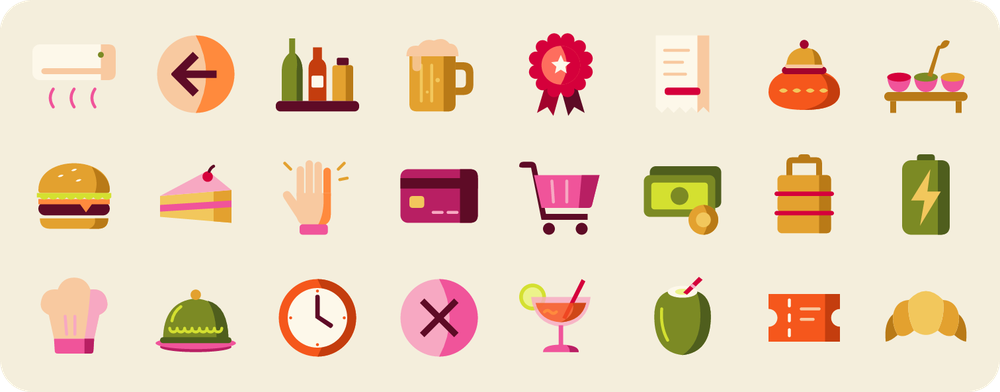
Restaurant Folk Icons
The first pass came out as illustrations, with sparkles, shadows and tilt. I capped each icon at 12 shapes and two tones so it reads as an icon.
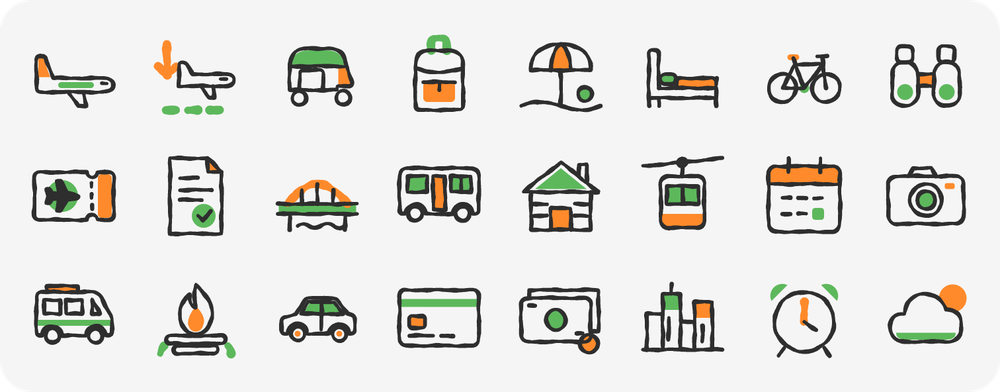
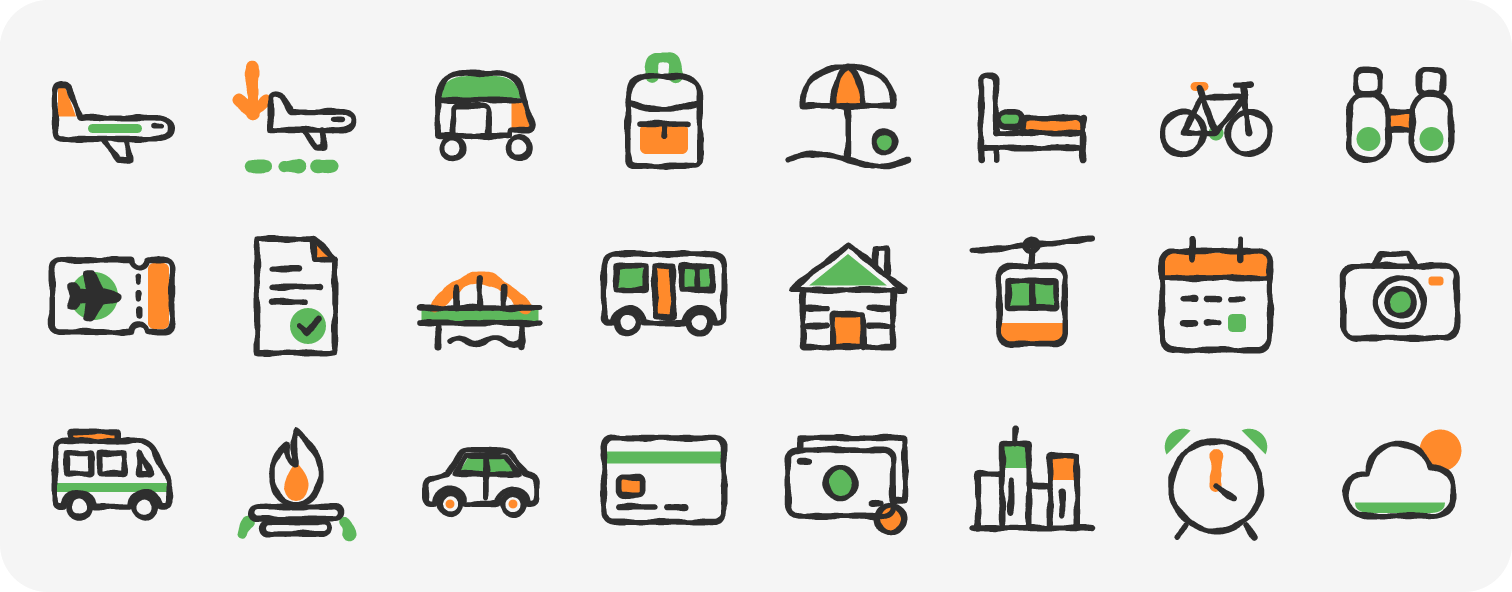 Travel Ink
Icons are drawn clean on the grid, then a script adds the hand-drawn wobble, so the line stays consistent and editable.
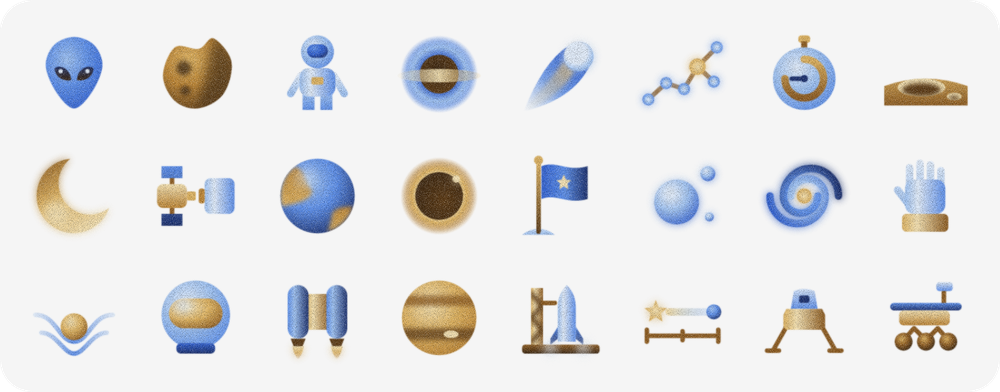
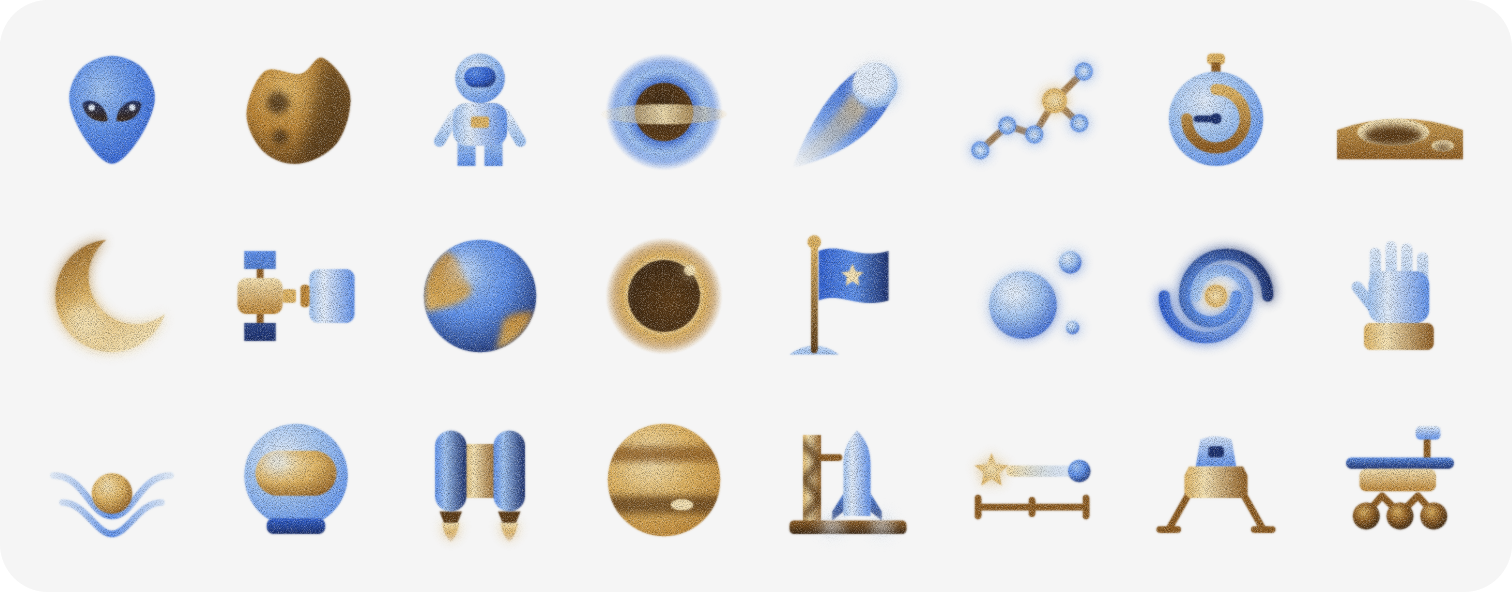 Celestial Glass
I cut the palette to brown and blue only, then added soft gradients and grain so it feels like glass and ceramic.
Loading the live preview…
How I worked with the AI
Fix the rule, not the icon.
A croissant took three redraws, so I added a rule: every shade follows the object's own edges. It now applies to every set.
Review renders, not code.
I caught a burger patty that vanished from the page because of a build bug. No automated check had flagged it.
Feed lessons back into the skill.
The layering rule, the preview page and Figma “Copy all” all came from using the skill on real sets.
04 · Outcome
One skill, as many libraries as you want to build.
All three libraries here came from the same skill; only the rules file changed between them. Give it a different style and it builds a different library, as many as you need. The skill is open source, with a README, install steps and the three sets as examples.
Tried icon-studio? I'd love to hear how you found it: what worked, what didn't, and what you'd build with it. Share your feedback ↗
Up next
Photo Quality Pipeline